Cek dokumentasi https://github.com/narakode/fineauth
Fineauth - A simple authentication package for Laravel REST APIs.
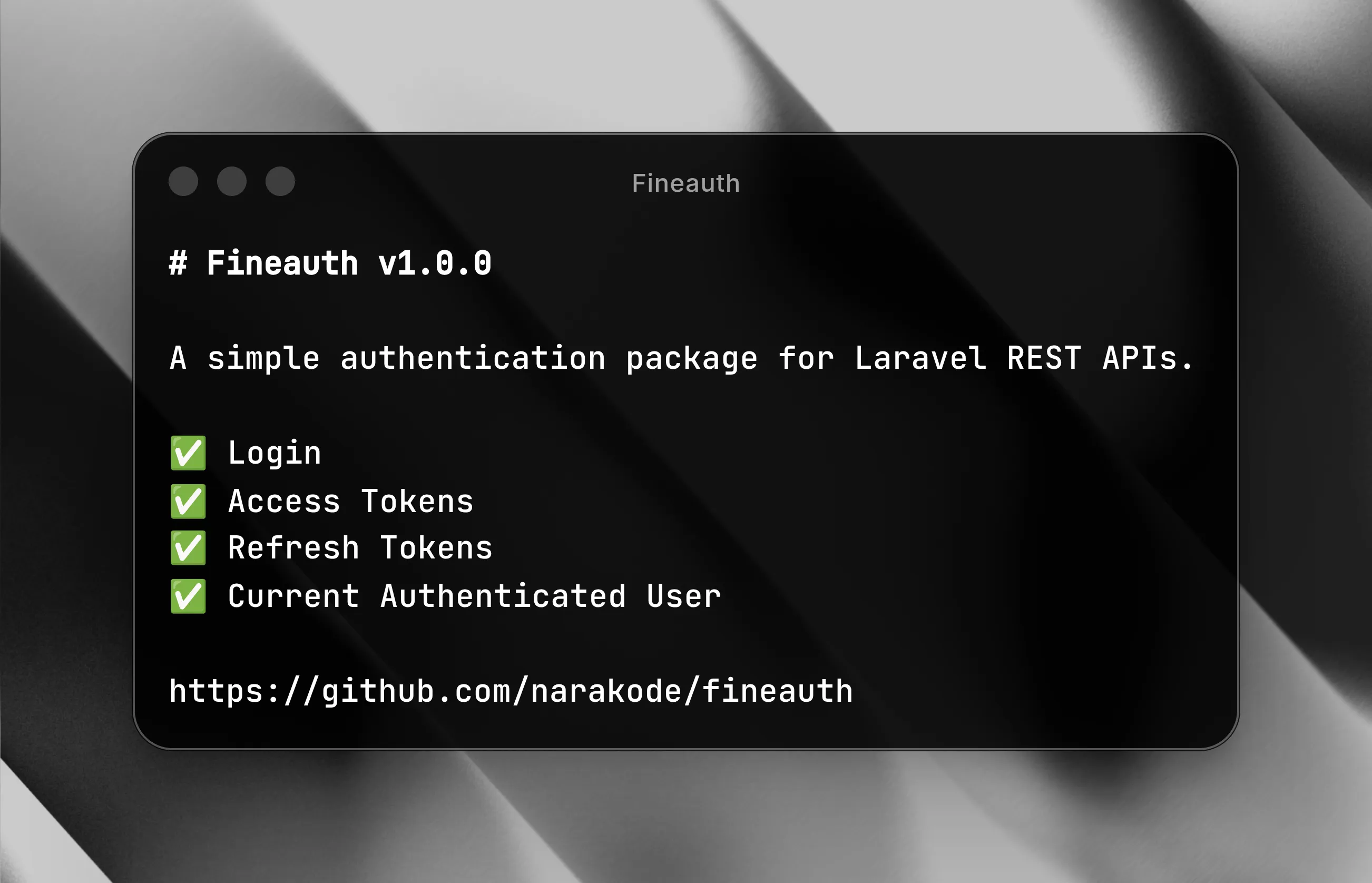
A simple authentication package for Laravel REST APIs.
Features
- Login
- Access Tokens
- Refresh Tokens
- Current Authenticated User
Requirements
- PHP ^8.3
- Laravel ^13
- Laravel Sanctum ^4.3
Installation
Install the package:
composer require narakode/fineauthPublish the package configuration:
php artisan vendor:publish --provider="Narakode\FineAuth\FineAuthServiceProvider"This package requires Laravel Sanctum. If you haven’t installed it yet, run:
php artisan install:apiAdd the HasApiTokens and HasRefreshTokens traits to your User model.
use Illuminate\Foundation\Auth\User as Authenticatable;
use Laravel\Sanctum\HasApiTokens;
use Narakode\FineAuth\HasRefreshTokens;

class User extends Authenticatable
{
    use HasApiTokens, HasRefreshTokens;
}
Usage
Register the authentication routes in your routes file (for example, routes/api.php):
use Narakode\FineAuth\FineAuth;

FineAuth::routes();

# Custom attributes

FineAuth::routes([
    'as' => 'test.',
    'prefix' => 'test/'
]);
You can verify that the routes have been registered by listing your application’s routes:
php artisan route:list

# Example:
# POST  api/login
# POST  api/refresh-token
# GET  api/me
Endpoints
Login
The POST /login endpoint requires the following request parameters:
emailpassword
The package uses Laravel’s authentication system to validate the provided credentials.
If the credentials are invalid, it returns a 401 Unauthorized response:
{
    "message": "The provided credentials do not match our records."
}
If authentication succeeds, it returns a 200 OK response:
{
    "access_token": "xxxx",
    "user": {
        "id": "xxx",
        "name": "xxx",
        "email": "xxx"
    },
    "meta": {},
    "expires_at": "xxx"
}
A refresh token is also returned as an HTTP cookie named refresh_token with the following attributes:
- Expires in 1 hour
HttpOnlySecureSameSite
Current User
The GET /me endpoint returns the authenticated user associated with the provided access token.
Provide the access token in the Authorization header using the following format:
Authorization: Bearer <access_token>If the access token is valid, the response will be:
{
    "user": {
        "id": "xxx",
        "name": "xxx",
        "email": "xxx"
    },
    "meta": {}
}
If the access token is missing or invalid, the endpoint returns a 401 Unauthorized response.
Refresh Token
The POST /refresh-token endpoint returns a new access token and the authenticated user using the refresh token stored in a cookie.
If the cookie is exists and has not expired, the response is the same as login. Otherwise, the endpoint returns 401 Unauthorized.
Customization
Custom Credentials
By default, this package uses the email and password fields as the authentication credentials.
You can customize these credentials by creating a class that implements the Narakode\FineAuth\Auth\AuthCredentials interface.
The class should define a rules method that returns an array containing the credential fields and their validation rules.
For example, create App\Auth\AuthCredentials.php.
<?php

namespace App\Auth;

use Narakode\FineAuth\Auth\AuthCredentials as AuthCredentialsContract;

class AuthCredentials implements AuthCredentialsContract
{
    public function rules(): array
    {
        return [
            'email' => ['required', 'email'],
            'password' => ['required', 'min:8'],
            'role' => ['required', 'in:admin,user'],
        ];
    }
}
Then, register the AuthCredentials in your application service provider (App\Providers\AppServiceProvider.php).
<?php

namespace App\Providers;

use App\Auth\AuthCredentials;
use Illuminate\Support\ServiceProvider;
use Narakode\FineAuth\Auth\AuthCredentials as AuthCredentialsContract;

class AppServiceProvider extends ServiceProvider
{
    public function register()
    {
        $this->app->singleton(AuthCredentialsContract::class, AuthCredentials::class);
    }
}
Custom Authenticator
By default, this package uses Auth::attempt($credentials) to determine whether the credentials are valid.
You can customize this behavior by creating a class that implements the Narakode\FineAuth\Auth\Authenticator interface.
The class should define an attempt method that accepts a credentials array as its parameter.
The attempt method should return a User object when the credentials are valid, or false when they are invalid.
For example, create App\Auth\Authenticator.php.
<?php

namespace App\Auth;

use App\Models\User;
use Illuminate\Support\Facades\Hash;
use Narakode\FineAuth\Auth\Authenticator as AuthenticatorContract;

class Authenticator implements AuthenticatorContract
{
    public function attempt(array $credentials): User|false
    {
        $user = User::firstWhere('email', $credentials['email']);

        if (!$user) {
            return false;
        }

        if (!Hash::check($credentials['password'], $user->password)) {
            return false;
        }

        return $user;
    }
}
Then, register the Authenticator in your application service provider (App\Providers\AppServiceProvider.php).
<?php

namespace App\Providers;

use App\Auth\Authenticator;
use Illuminate\Support\ServiceProvider;
use Narakode\FineAuth\Auth\Authenticator as AuthenticatorContract;

class AppServiceProvider extends ServiceProvider
{
    public function register()
    {
        $this->app->singleton(AuthenticatorContract::class, Authenticator::class);
    }
}
Adding Meta
You can add a meta object to the response for the login, refresh, and me endpoints by creating a class that implements the Narakode\FineAuth\Auth\AuthMeta interface.
The class should define a toArray method that accepts a Narakode\FineAuth\Auth\AuthContext object as its parameter.
The toArray method should return an array that will be included as the meta field in the JSON response.
The AuthContext object exposes the getUser method, which returns the authenticated User object.
For example, create App\Auth\AuthMeta.php.
<?php

namespace App\Auth;

use Narakode\FineAuth\Auth\AuthContext;
use Narakode\FineAuth\Auth\AuthMeta as AuthMetaContract;

class AuthMeta implements AuthMetaContract
{
    public function toArray(AuthContext $auth): array
    {
        $user = $auth->getUser();

        return [
            'roles' => $user->roles,
            'permissions' => $user->permissions,
        ];
    }
}
Then, register the AuthMeta in your application service provider (App\Providers\AppServiceProvider.php).
<?php

namespace App\Providers;

use App\Auth\AuthMeta;
use Illuminate\Support\ServiceProvider;
use Narakode\FineAuth\Auth\AuthMeta as AuthMetaContract;

class AppServiceProvider extends ServiceProvider
{
    public function register()
    {
        $this->app->singleton(AuthMetaContract::class, AuthMeta::class);
    }
}
Custom Expiration
By default, the access token expires after 15 minutes, and the refresh token expires after 2 months.
To customize these values, edit the config/fineauth.php file. The expiration values are specified in minutes.
<?php

return [
    'access_token_expiration' => 15,
    'refresh_token_expiration' => 86400,
];